

Faster and More Reliable On-site Performance with a Local Caching Server
The Slidecrew local caching server app keeps your on-site presentation workflow running over the local event network.
It stores event data and presentation files locally, so Speaker Ready Rooms, technician stations, signage, timers and presentation rooms do not have to depend on a constant cloud connection.
If the venue internet connection slows down or drops, file edits, uploads and presentation distribution can continue on site. When the internet connection returns, the server syncs everything back to the Slidecrew cloud.
Faster and More Reliable Performance in Busy Venues
In busy conference venues, internet connections often become slower or less reliable as more attendees, exhibitors and event systems come online.
Upgrading venue internet speed can also be expensive, especially for larger conferences with many rooms, screens and on-site devices. Adding a local caching server to your event means it handles all your on-site interactions, reducing the required internet connectivity from every machine running slidecrew, down to just one.
This keeps on-site workflows faster and more reliable, while reducing the dependency on expensive high-capacity venue internet.

Faster File Distribution
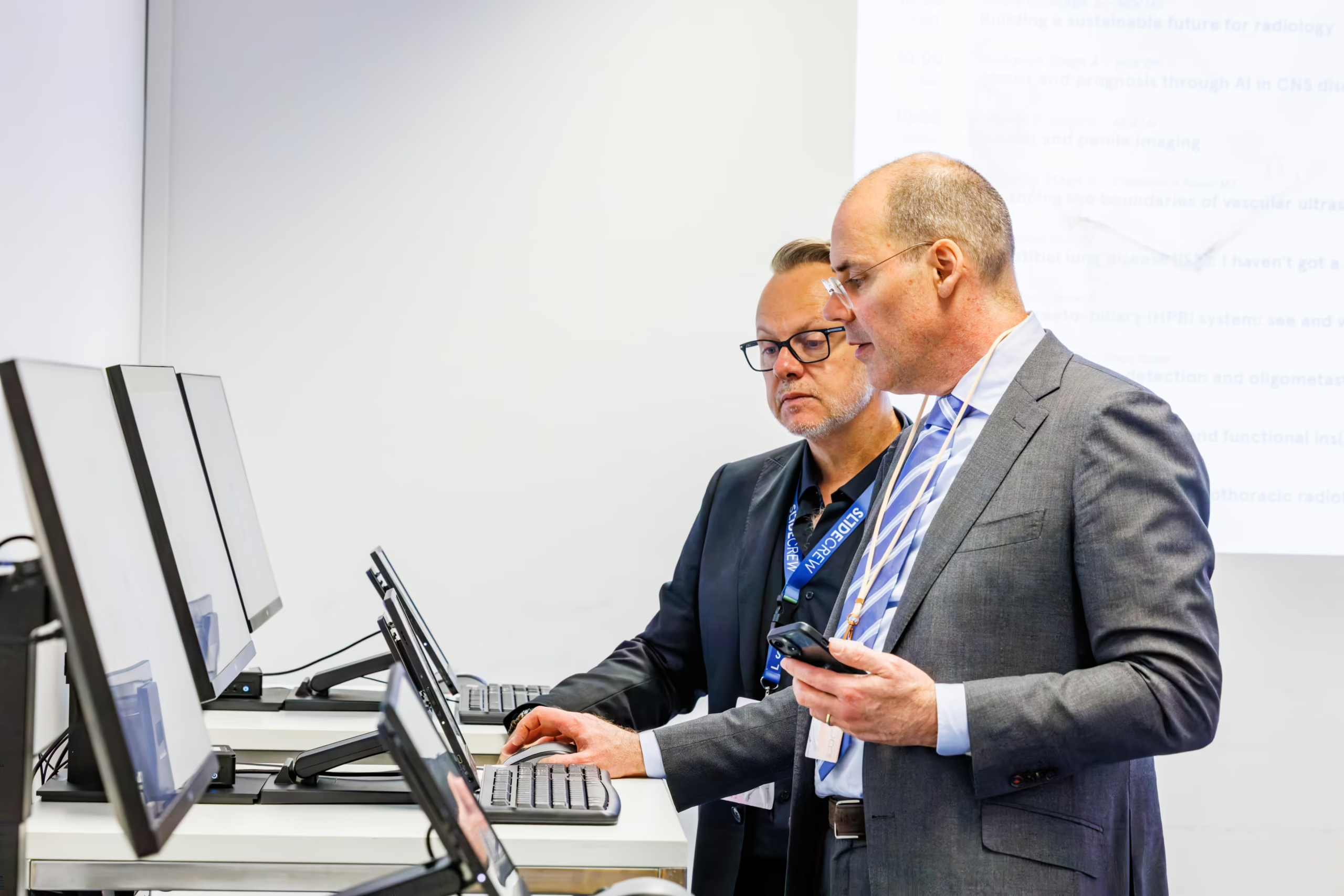
Presentation files submitted before or during the event through Slidecrew email campaigns and the speaker upload portal can already be available on the local caching server before the speaker arrives at the Speaker Ready Room.
This means speakers and staff do not have to wait for pre-uploaded files to download from the cloud during check-in. If a speaker makes a last-minute change on site, the updated file is directly send to the correct presentation room over the local network at LAN speed.
The result is less waiting time and a faster route from check-in to the presentation room. Files handled locally are also synced back to the Slidecrew cloud, keeping the cloud environment up to date for central access and backup.
Internet Downtime is not Event Downtime
If a room, network segment or even the whole venue experiences slow or unstable internet connectivity, the Slidecrew local caching server keeps on-site devices syncing over the local network.
Presentation rooms, Speaker Ready Room stations, signage screens, timers and technician tools can continue running without depending on a constant cloud connection. Once the internet is restored, syncing with cloud storage resumes.
Planning to use a Local Caching Server at your event?
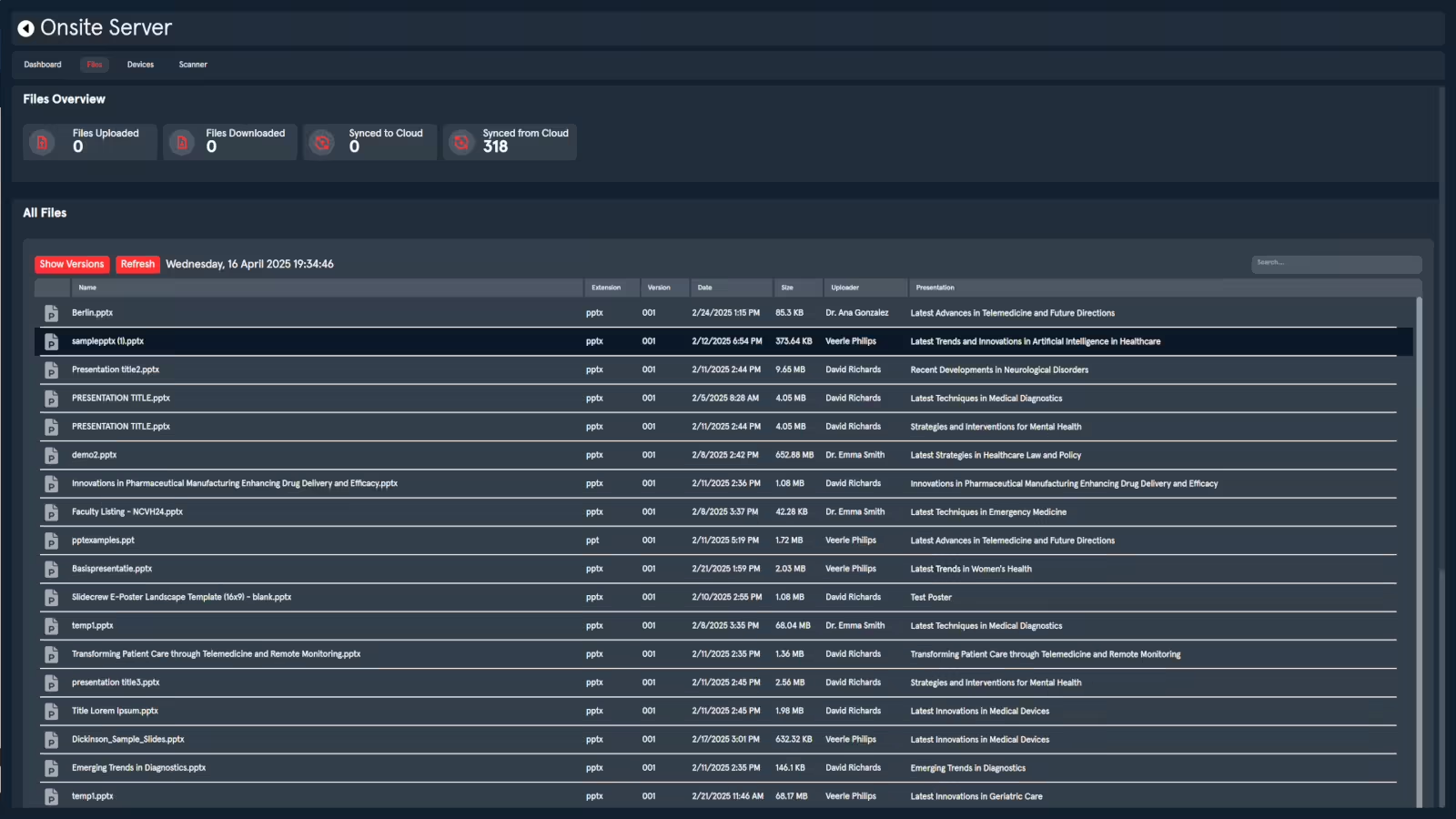
The Local Caching Server setup guide explains how to activate the Server App, add a server license, monitor local files and connected devices, enable local scanning and use main/backup server roles. Read our setup and technical documentation for details on activating the Server App, adding a server license, preparing the local network, opening the required ports and selecting suitable server hardware for your event size.